 Brick & Mortar
How It's Made · Step 3 of 27
Making the ground real - why only the LEGO is stylised
unrealterrainart-direction
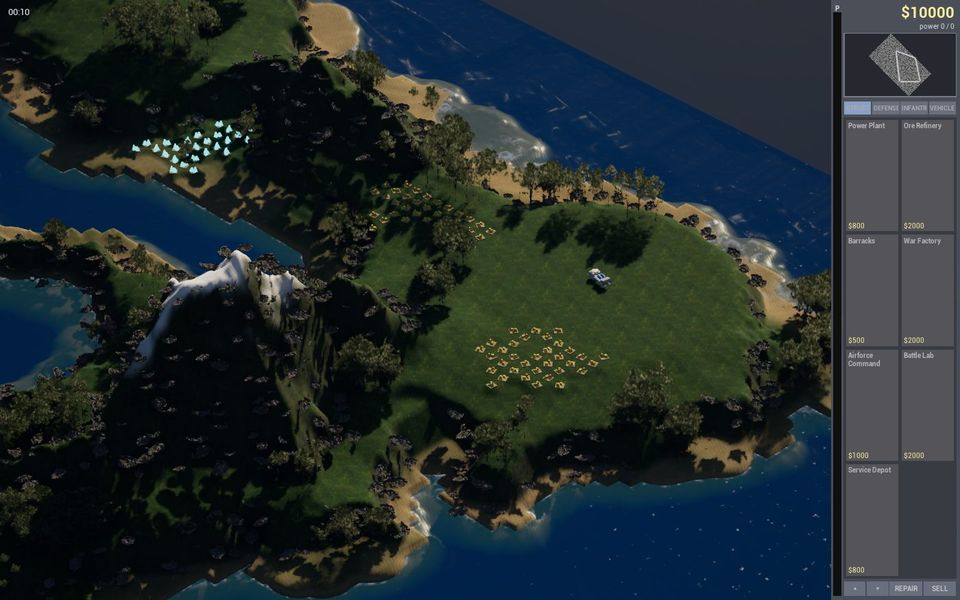
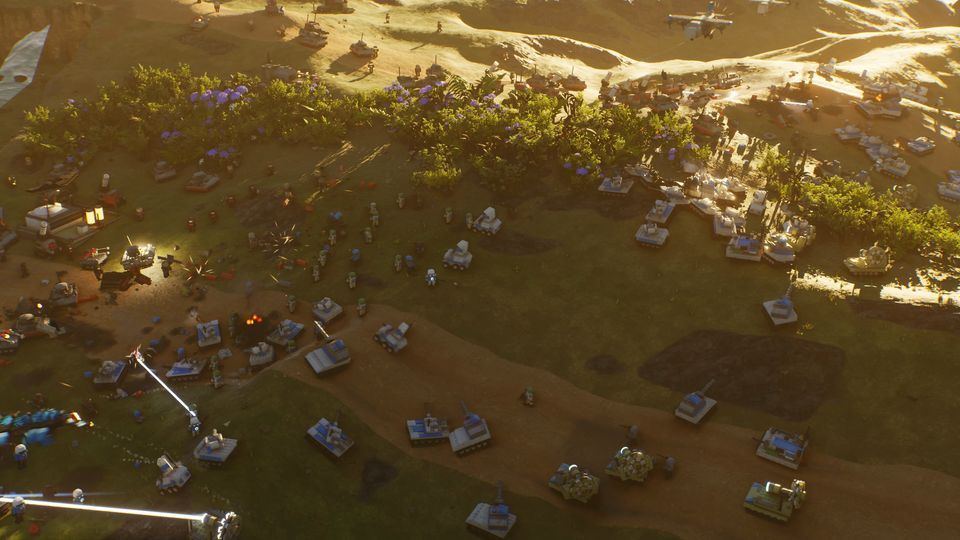
The first rule of the look of Brick & Mortar is written in our project rules in one line: LEGO is the only stylised thing. Terrain, light, sky, water, explosions and destruction have to look real. The bricks then look like toys that someone put on a real hillside, and that contrast is the whole look of the game.
We did not start there. Here is how we got there in three days.
Day one: a mesh we generated
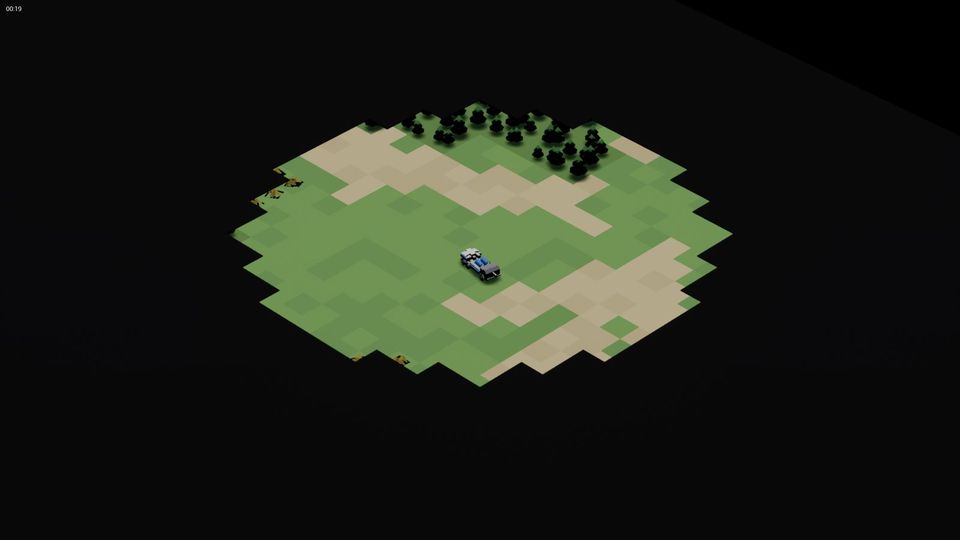
On 17 September the ground was a heightfield made in code, a procedural mesh with vertex colours and some noise textures. It worked for testing. It looked like a spreadsheet of hills.
That evening the owner lifted our "no outside assets" rule for the environment, and also told us bluntly that we were doing the landscapes all wrong. The owner was right. Unreal has a proper Landscape system, and the engine's grass, water, virtual textures and Nanite meshes all expect it.
So the ground became a Landscape built offline. A script, scripts/gen_heightmap.py, turns the map's layout into a 16-bit heightmap (568 by 379 samples on the first island, 25 Unreal units per quad), and an editor script imports it. The game simulation reads the very same heightmap file, so what you see and what the units walk on cannot disagree.
Day two: real hills, fewer hills
For the second map we wanted a real place. A script reads public elevation data (NASA's SRTM, public domain) for a tropical island and turns it into a playable map: cliffs where the slope is steep, a river cut from the highest peak down to the lagoon, waterfalls where the bed drops, fords where roads cross.
The first version was a mountain range. The owner's note after playing it was that the hills and mounts "really got in the way", so we regenerated it flatter: relief halved, a wider plain, four road routes between the bases and 475 cliff cells for the AI to path around. Every ore field was checked to be reachable from both starts. Fun beats accuracy.
The map editor gained a map card for the setup screen, a hillshade picture tinted by the layout, so players can see the map before they choose it.
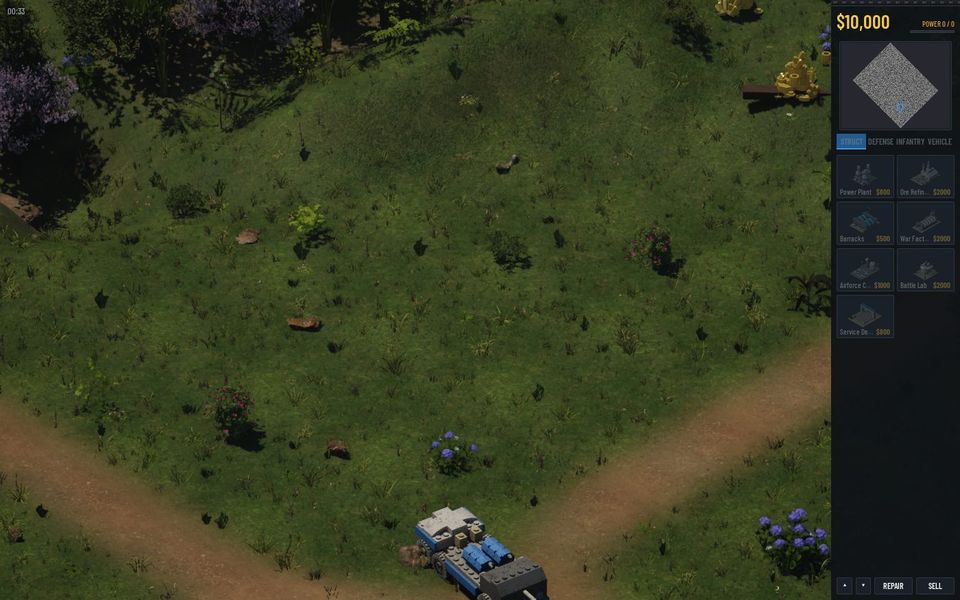
Grass, and what was wrong with it
The owner asked a precise question: could we fill the floor with grass using Nanite without killing the GPU? Yes. We used the engine's Landscape Grass system with Megascans clumps, about 26 clumps per ten square metres, in four varieties.
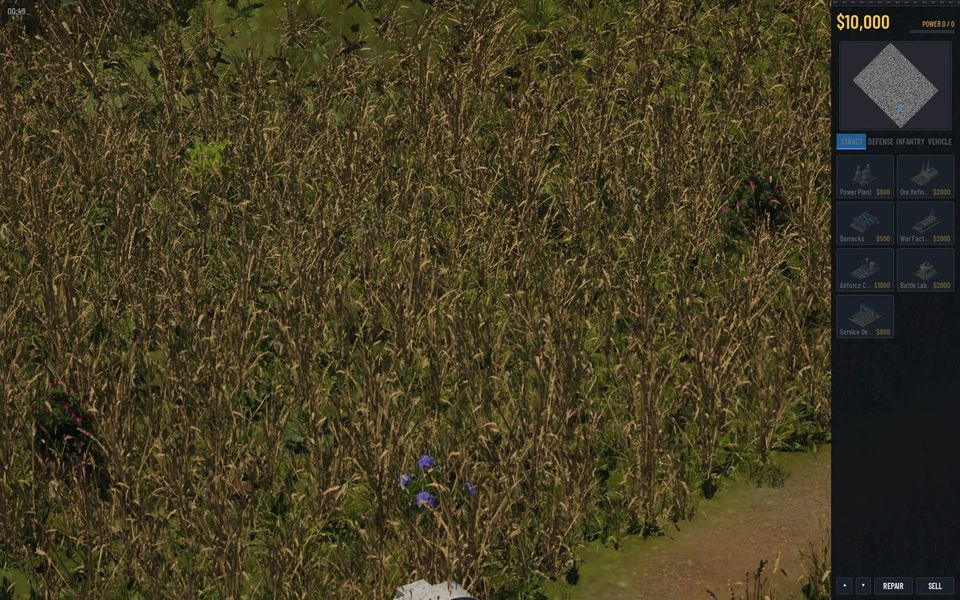
The first pass looked bad for a funny reason. We had asked for "grass" and picked a list of species in which sixty per cent were dry thatching straw. The ground read as bare dirt with the occasional tuft. We swapped to green species, then found the grass was growing through buildings and their floors, and added a baked per-cell mask so nothing grows where a base will stand. By the 19th (grass version 7) it had a lawn ground layer, a species recipe and a runtime virtual texture that blends it into the soil.
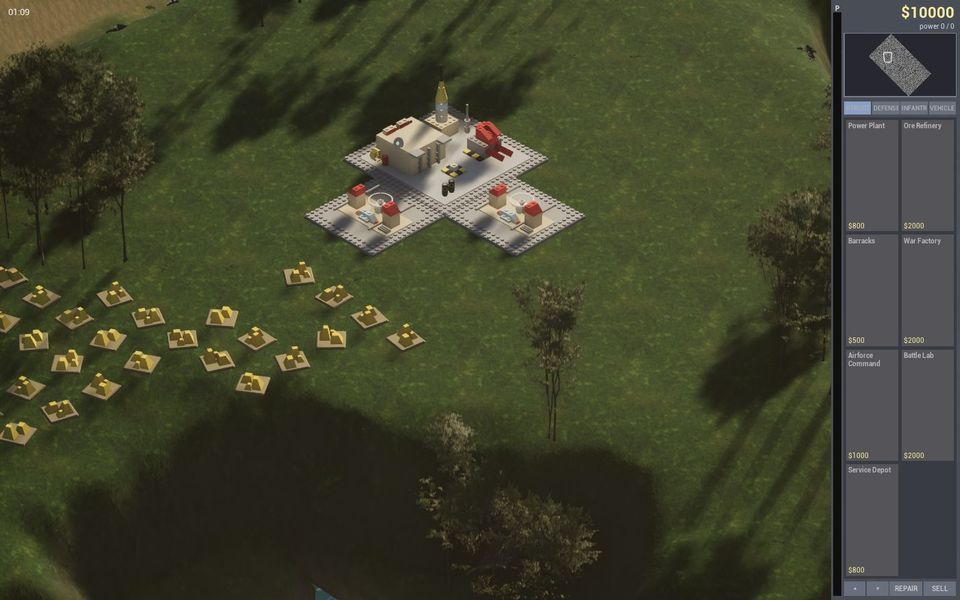
Below the grass, bricks. Every building stands on a baseplate, a flat LEGO slab that levels the footprint. We refuse to place a building where the ground slopes more than 45 cm across it, because on the first hillside a refinery stood on a slab a metre tall.
What we would do differently
- Ask what the target engine expects before writing a custom system. We built a heightfield mesh in a day and replaced it in a day.
- Look at the first picture, not the log. The grass "worked" in every log line and failed in one screenshot.
- Give the AI a visual rule, not a feature name. "Looks like a lawn seen from 111 metres" is something Claude can check; "grass" is not.
Try it yourself
Decide your art rule on day one and write it in the file every agent reads. Ours is one sentence. It has saved us more arguments than any other line in the project.
Next: Hiring a team of agents - a CEO, specialists and a one-page rulebook (21 September 2026)
Related steps
Day one - an empty machine, a spec and 8,000 uncompiled lines
How the project actually started - what was on the PC, what we installed, what Claude wrote before the engine existed, and what broke.
Two PCs, one simulation
How an online match works when only your clicks cross the internet, the sixteen places our code could have disagreed with itself, and the first real match with a friend.
Where the trees, shrubs and scenery came from
A plain list of where every kind of scenery in the game comes from - public-domain elevation data, CC0 scans, free library plants, and our own LEGO - with the licences and the mistakes.
Written afterwards from our project notes and commit history; dated to when the work happened.