 Brick & Mortar
How It's Made · Step 1 of 27
Day one - an empty machine, a spec and 8,000 uncompiled lines
setupclaudeunreal
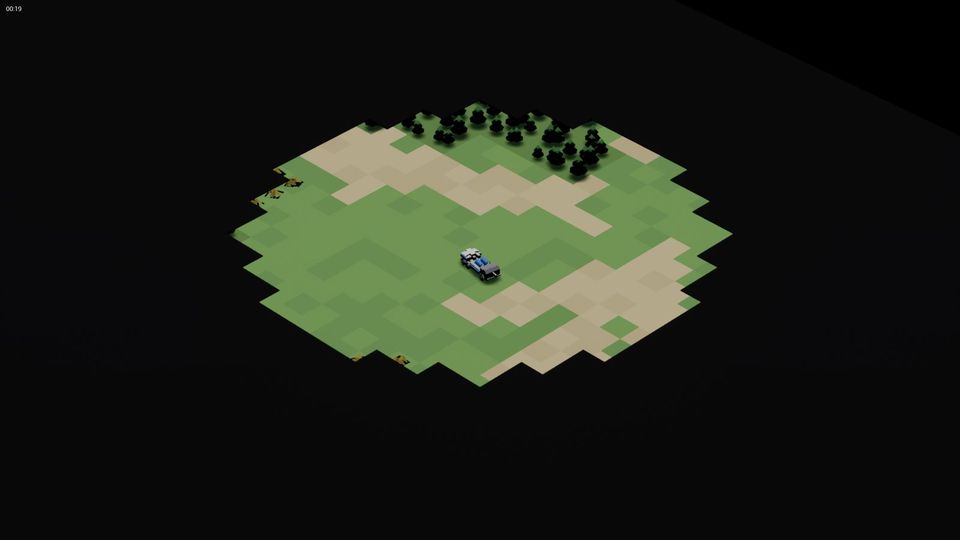
This is the first step of How It's Made, our account of how we are making Brick & Mortar, an original real-time strategy game in which both armies are built from LEGO bricks. We are writing it afterwards, from our project notes and commit history, so every step is dated to the day the work happened. Where something went wrong we say so.
The project folder is dated 15 September. The first commit is early on 17 September, at 00:19. The two days in between were spent on a plan, and on the question of whether a one-person project could build a real-time strategy game at all.
What was on the machine
Not much. At midnight on the 17th Claude audited the PC and wrote down what it found: no Unreal Engine, no Visual Studio, a "UE 5.4" folder that was a 0.2 GB stub holding one plugin, and a few stale registry entries from engines long gone. A Windows PC with an AMD RX 6800 and not much else.
So the first job was the toolchain, and it went like this:
- The owner started the Epic launcher. The version it offered turned out to be Unreal Engine 5.8, so that is what we have used ever since.
- Visual Studio 2022 Community with the game-development workload went onto the same drive. It finished at 00:55.
- The engine download (about 25 GB) stalled at 05:05. The launcher sat at nearly zero bytes a second on a connection that could do half a megabyte. Nobody was awake to press Resume, and Claude had no permission to click through the launcher on the owner's behalf, so the download simply waited.
- The install helper then spun for about 40 minutes at full CPU with no disk activity before finishing at 16:03.
Unreal Engine 5.8.2 was installed. Total time from "no engine" to "engine": about sixteen hours, most of it waiting.
What Claude did in the meantime
While the engine downloaded, Claude (Claude Code, an Opus-class model in the main chat) wrote the project from the spec. By 01:40 there was a first source drop: 55 files, roughly 8,300 lines of C++ - the simulation core, data tables, a grid and A* pathfinder, units, buildings, a procedural mesh builder, a skirmish AI, the Slate UI, tests and scripts. It was committed with the honest note "uncompiled", because nothing on the machine could compile it.
Then it did two review passes on its own code, reading it as a stranger would: missing includes, a heap-pop bug, a lighting fill. A third pass made the sources ASCII-only after an encoding mishap in the progress file.
We wrote 8,000 lines for a compiler that did not exist yet. It was not clever. It was lucky that C++ is predictable.
When the engine finally arrived, the first compile needed four rounds of fixes: a member named Owner shadowing a base class, parameter names hiding members, one function that only exists in a cpp file. Then it ran. By 17:10 a whole match loop worked: the AI won against an idle human in 6 minutes 36 seconds, and nine automated tests passed.
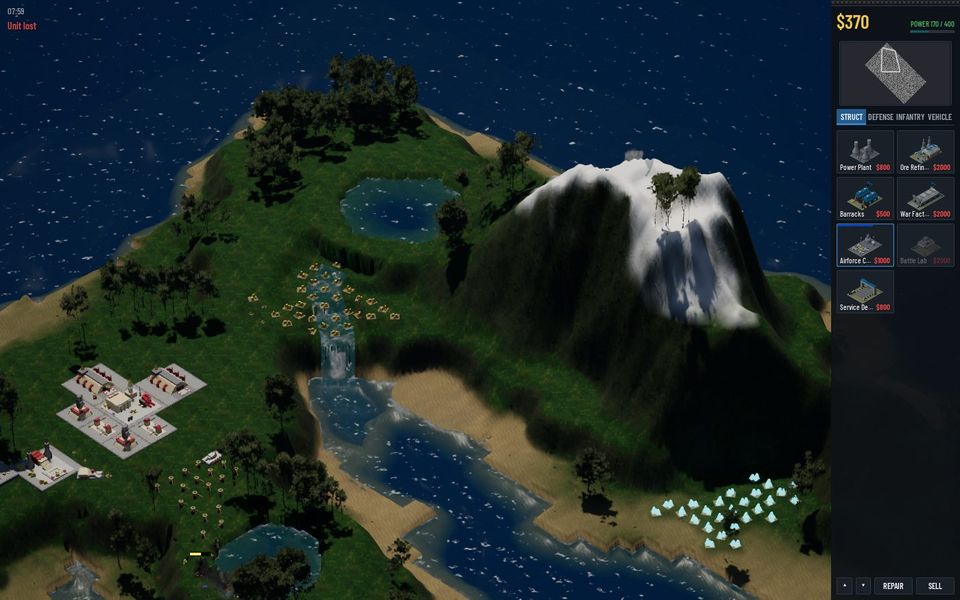
The pivot that same day
The first art was procedural: boxes and cylinders assembled in code. By early afternoon the owner had changed course on the whole look. Units and buildings would be real LEGO builds. That afternoon Claude wrote the Blender side of that pipeline (the next steps are about it). The decision is in our decisions log as a user pivot, and it is the best call of the project: it gave the game its look and a clear rule for everything else.
Here is how we run the game from a terminal, even this early. This is how every test in the next six weeks was launched:
run.ps1 -AutoStart -Map Island -AutoQuit 60 -Screenshot "30,55" -Extra "-Mute"Start a map, quit after 60 seconds, save two screenshots, stay silent. If it cannot be run from a command line, an agent cannot test it.
What we would do differently
- Install the toolchain before the first line. The uncompiled drop worked out, but it only worked because the first compile happened to produce four small errors and not forty.
- Write the "how to test" flags first. The
-Screenshotand-AutoQuitflags were added within hours of the first compile and made everything after possible. - Keep a log from minute one. Our progress log and decisions file started on day one. Everything in How It's Made comes from them.
Try it yourself
If you want to vibe-code a game with Claude Code, the first session should end with something you can launch from a command line, with a flag that takes a screenshot and quits. Everything you build afterwards is easier to check.
Next: Scripting LEGO in Blender, part one - the brick kit (18 September 2026)
Related steps
Vibe coding Unreal Engine 5 in C++ without a team
The build, test and capture loop that lets one person and Claude work on 120,000 lines of Unreal C++ - the scripts, the headless test runs, the launch flags and what breaks.
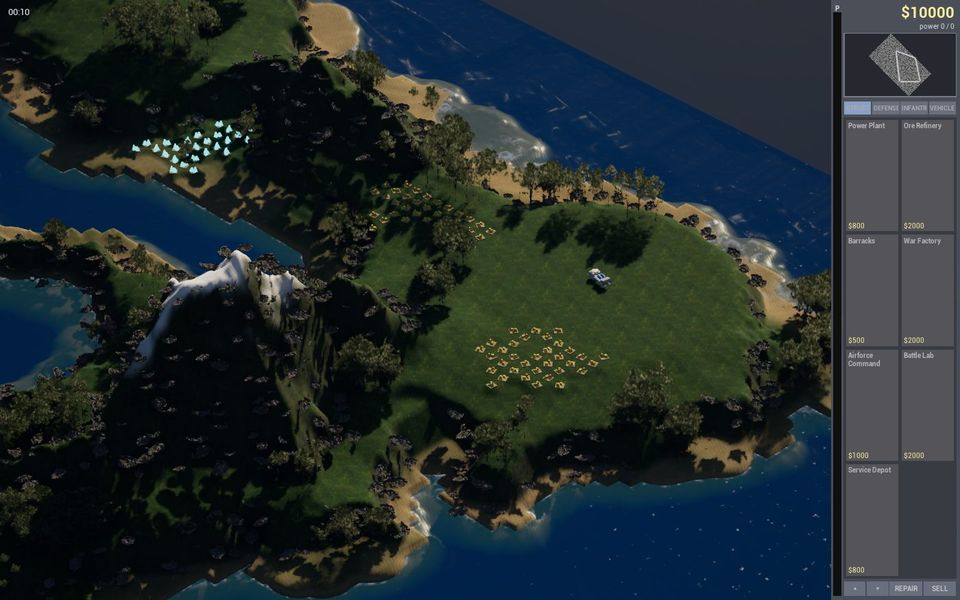
Making the ground real
Three days of terrain - a procedural mesh, a rewrite as a real Unreal Landscape, real elevation data for the maps, and grass that finally looked like grass.
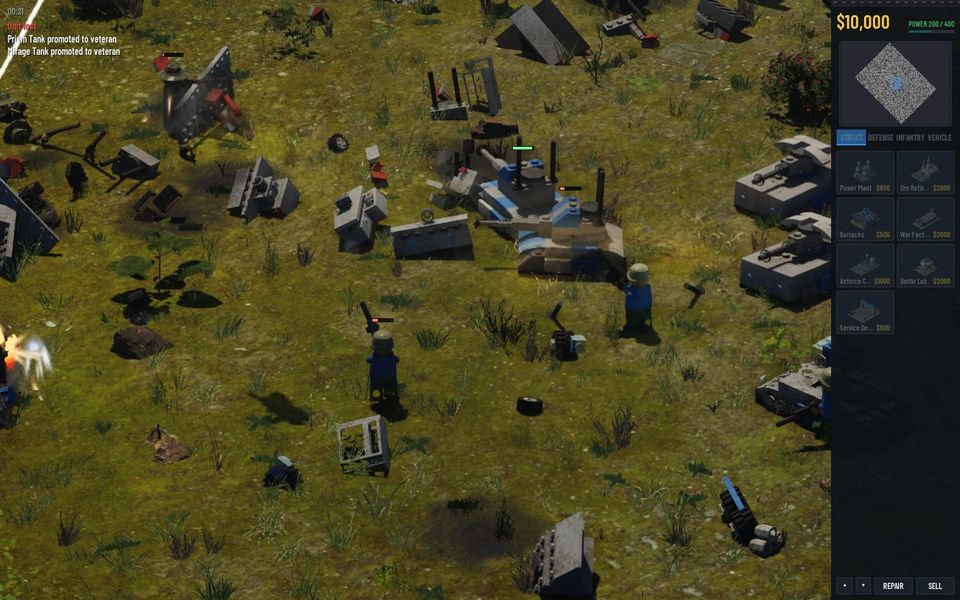
Hiring a team of agents
On day five the one big chat became a small company - a CEO role that never does the work and specialists that each own their own files.
Written afterwards from our project notes and commit history; dated to when the work happened.